
Spica App
One App. Two Modes.
Built for Research.
Designed for Real Life.
Spica Mobile App enables flexible deployment of digital assessments and wearable integration across research and clinical environments.
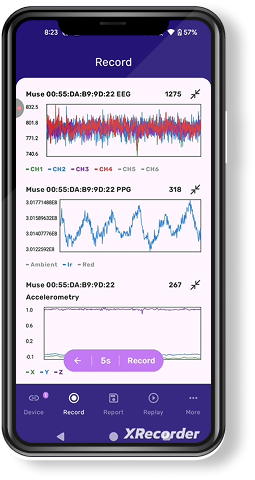
Choose the mode that fits your workflow


Research Mode
- Experimental control for multimodal research
- Custom tasks, sensors, and real-time data
Standard Mode
- Clinical monitoring with guided workflows
- Automated data capture and high compliance
Spica App Modes

Overview
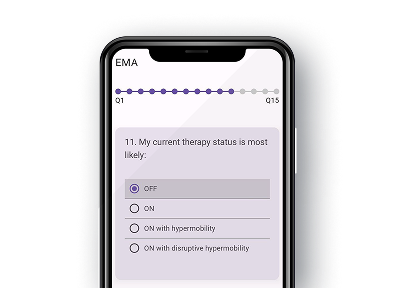
Research Mode enables high-resolution digital experimentation for scientists, clinicians, and research teams. It supports customizable task paradigms, ecological momentary assessment (EMA) scheduling, and fine-grained sensor configuration across multiple wearable devices.
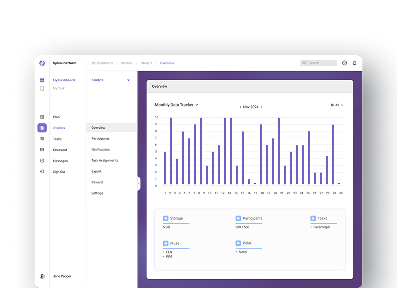
The platform provides real-time data visualization for in-study monitoring and synchronized offline analysis for post hoc evaluation. Structured data pipelines, controlled data flows, and detailed logging ensure reproducibility, making it suitable for multi-site, longitudinal, and multimodal neuroscience research.

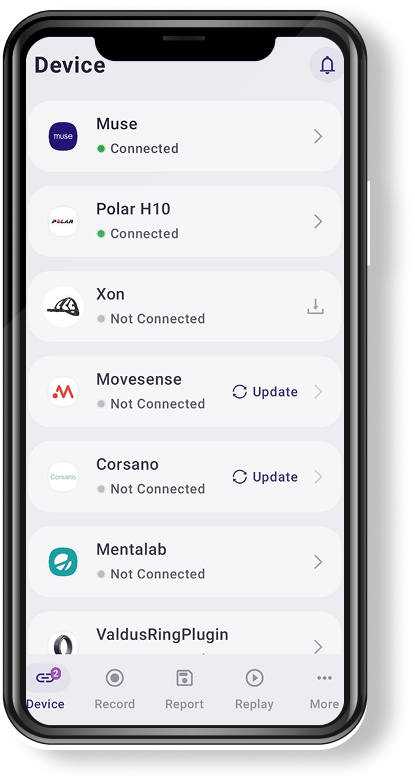
Choose Wearable
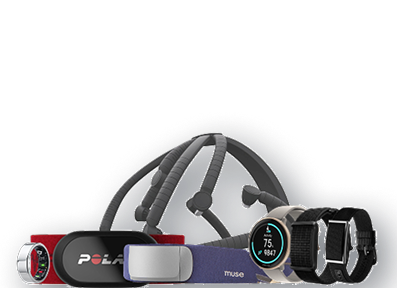
Select from a library of 10+ supported wearable devices to define the physiological acquisition layer of the study, including EEG, ECG, PPG, accelerometry, and more.
Each device is pre-configured with compatible data channels and validated SDKs, enabling plug-and-play integration without manual driver setup.

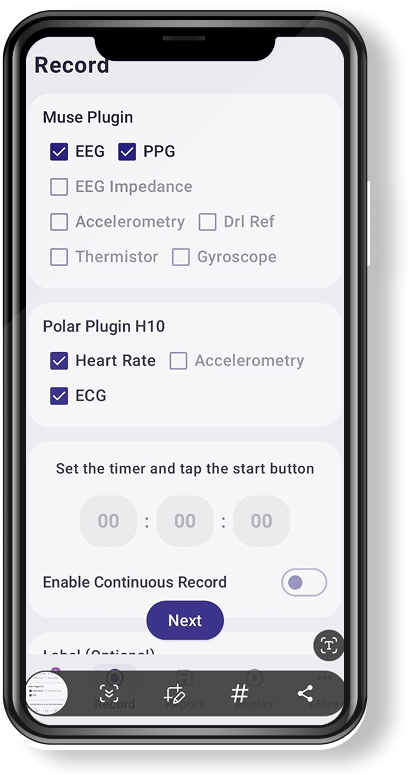
Select Data Channels
Define which physiological signals and behavioral channels to record per session. Researchers can activate or deactivate individual streams—such as EEG bands, heart rate variability, or motion axes—depending on the study protocol.
Channel selection is saved per study profile, ensuring consistency across all participant sessions.

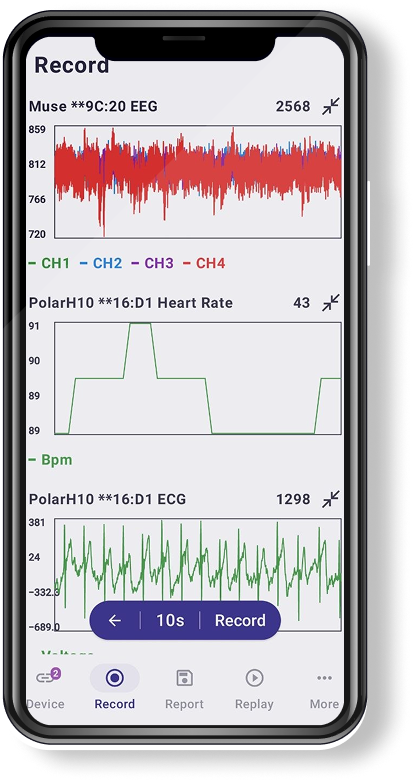
Real-Time Monitoring
Live streaming of multimodal biosignals lets researchers observe participant data as it is collected. Waveform visualizations update continuously to reflect incoming sensor readings.
Researchers can annotate events in real time—marking moments of interest for downstream analysis—without interrupting the recording session.

Data Report
Post-session reports summarize acquisition quality, signal completeness, and participant compliance metrics and are automatically generated at the end of each recording session.
Reports are exportable in structured formats compatible with MATLAB, Python, and R for seamless integration into existing research pipelines.
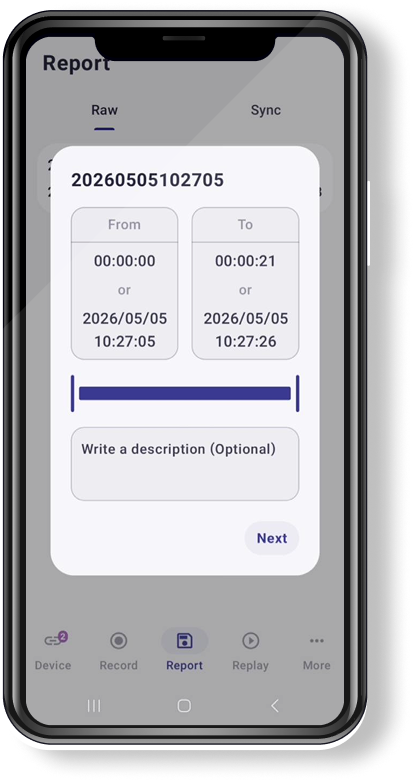

Analyze & Reply
Built-in review tools let research teams inspect and annotate recorded sessions directly within the app. Signal segments can be flagged, labeled, and queued for re-collection if quality thresholds are not met.
Annotations are synchronized to the dashboard, enabling collaborative review without switching platforms.
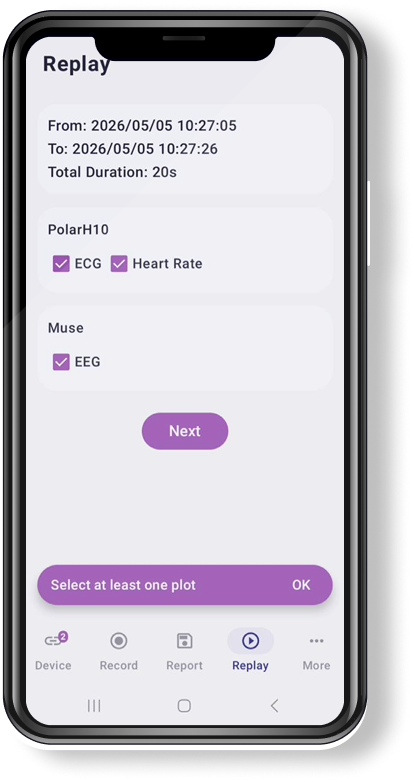
Overview
Standard Mode provides a streamlined, compliance-focused experience designed for clinical environments where automated data capture and guided workflows are prioritized.
Participants follow structured daily routines with minimal configuration, enabling scalable deployment across large-scale, multi-site studies.
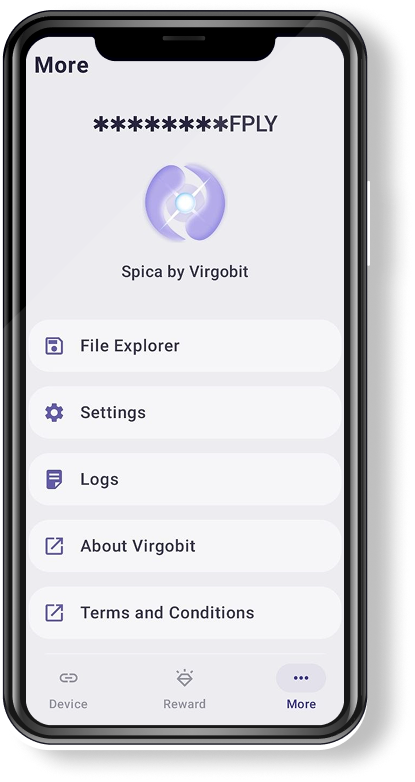
Automatic Data Capture
Sensor data is captured automatically based on pre-defined study schedules, removing the need for manual initiation by participants.
Robust background collection ensures data integrity even when the app is not in the foreground, with conflict resolution for missed sessions.
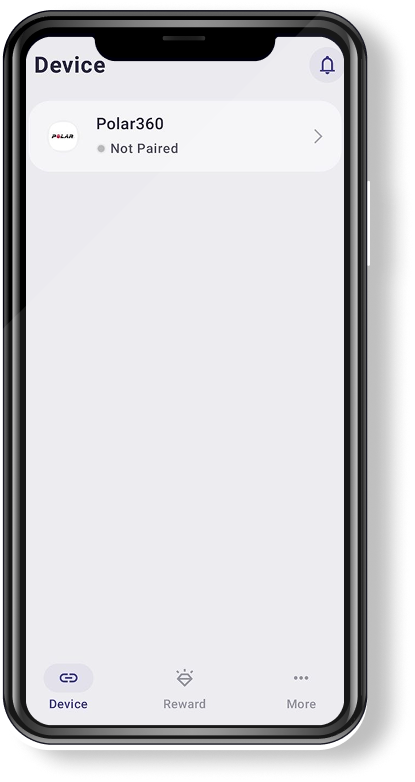

Clinician Notifications
Clinicians receive automated alerts for missed sessions, anomalous readings, or patient-reported events.
Notification thresholds and escalation paths are fully configurable per study, ensuring timely response without alert fatigue.
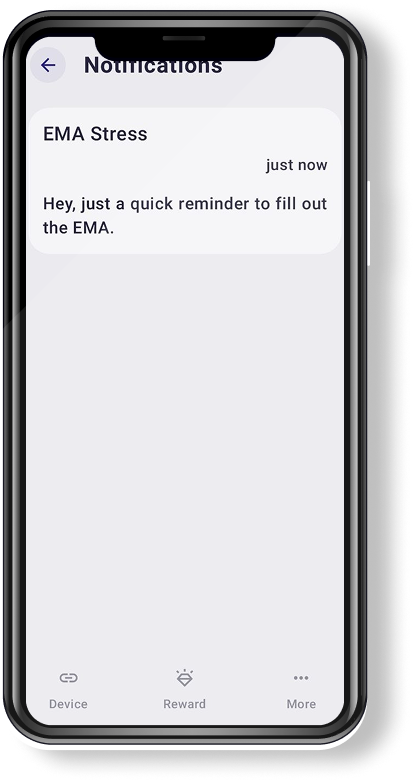

Participant Rewards
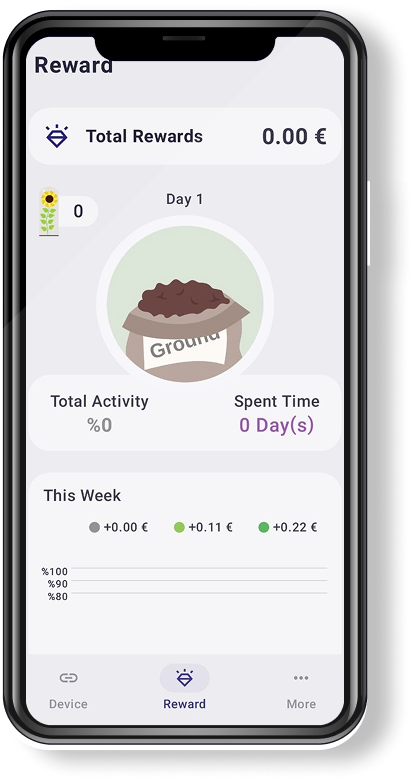
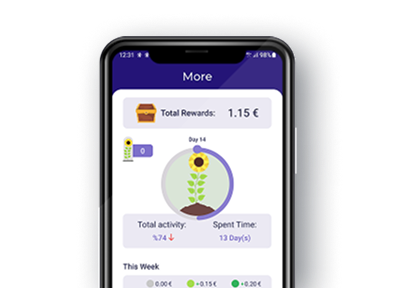
Gamified reward milestones keep participants motivated throughout the study duration. Points, badges, and progress indicators are shown on each session completion.
Reward structures are fully customizable, letting coordinators define incentive schedules that align with protocol timelines and engagement goals.
Research Mode vs Standard Mode

Clinical trials & advanced research studies
Routine care & remote patient monitoring
High-resolution multimodal data (continuous + event-based)
Automated background data collection (lightweight)

Full sensor access (EEG, ECG, HRV, motion, etc.)
Core vital sensors (HR, activity, sleep, basic physiology)
Fully customizable experimental protocols
Predefined guided tasks & simple assessments

Highly configurable, adaptive research prompts
Simple scheduled patient check-ins
Raw + processed data (API, export, cloud access)
Summarized dashboards + clinician insights

Full control over triggers, scheduling, parameters
Guided setup with minimal configuration
Advanced research alerts & anomaly detection
Key clinical alerts (symptoms, adherence issues)

Audit-ready, research-grade logging
High patient adherence with simple UX
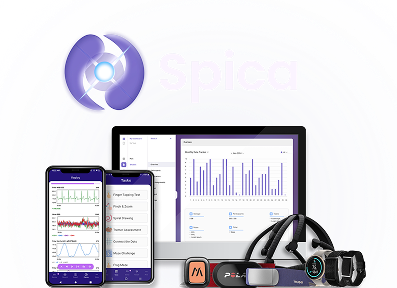
Explore The Spica Platform
Ready to Deploy Spica in Your Study?
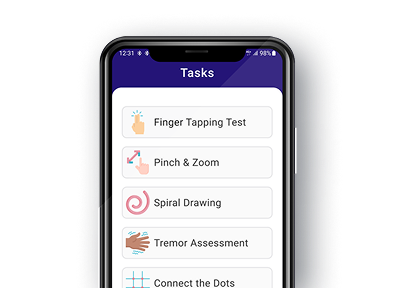
Leverage a library of validated neuroscience tasks or build custom assessments tailored to your research and clinical objectives.


